“`html
How to Evaluate Refund and Upgrade Rights in an SEO Lifetime Deal
Last updated: October 13, 2026
In short: if the lifetime deal does not spell out refund terms, upgrade rights, and what “lifetime” actually covers, I would treat it as a risky purchase until those three points are clear. In this guide on how to evaluate refund and upgrade rights in an SEO lifetime deal, the quick answer is simple: only buy when you can point to the exact refund window, upgrade path, and usage limits in writing. An SEO lifetime deal can be a smart buy for an agency or solo consultant, but only if the contract language lets you exit cleanly and grow with the product.
Key Takeaways
- Feature limits often shift around rank tracking, audits, briefs, crawl caps, and seats.
- Short refund clauses need close reading.
- Upgrade rights matter more than the discount if you expect growth.
- “Lifetime” still depends on the exact tier, quota, or cap in the fine print.
A lot of buyers focus on the headline price and miss the part that matters most later: what happens when the tool changes, breaks, or moves into a pricier tier. That is where refund and upgrade rights decide whether the deal is a bargain or a trap.
What Refund and Upgrade Rights Actually Control

If the deal is vague on refunds and upgrades, then the real risk is not the upfront cost — it is being stuck with a tool you cannot use the way your workflow demands. In an SEO context, that matters because product features often change around rank tracking, audits, content briefs, crawl limits, and user seats. A “lifetime” badge can hide a lot of restrictions. For a plain-English overview of misleading subscription terms and cancellation issues, see the U.S. Federal Trade Commission’s guidance on negative option marketing and billing practices: https://consumer.ftc.gov/articles/negative-option-marketing.
Refund rights answer one question: can you get your money back if the product is misrepresented, unusable, or abandoned within a stated window, often 7, 14, or 30 days? Upgrade rights answer a different one: if the product later adds a Pro plan, higher limits, extra projects, or API access, are you included, partially included, or shut out unless you pay again? If you want the legal language behind contract interpretation, Cornell Law School’s Legal Information Institute is a useful reference: https://www.law.cornell.edu/wex/contract.
Here is the simple decision frame I use:
| Situation | Best Path | Why Other Options Fail |
|---|---|---|
| Clear refund window, clear feature list, clear upgrade wording | Buy only after saving the terms | “Lifetime” is safer when the rules are written down |
| No refund language, but seller has strong reputation and public terms | Ask for written clarification before paying | Relying on marketing copy invites disputes |
| Refund window is short and upgrade rights are excluded | Skip unless the base tier already fits for 12–24 months | Cheap entry can become expensive later |
| “Lifetime” only applies to one tier and excludes future plans | Treat it like a fixed-plan license, not a long-term asset | Many buyers assume expansion is included when it is not |
The phrase “lifetime deal” is not a legal standard. In practice, it can mean lifetime of the product, the founder’s support, the marketplace listing, or simply the current plan. I would never buy on the label alone.
Quick check: if you cannot answer “what can I refund, when, and what new features am I entitled to?” in one sentence, the deal is not ready.
How to read the refund clause before you pay
If the refund clause is short, then every word matters. Most buyers only check whether a refund exists. I care about the conditions attached to it: time limit, usage limit, and exclusions. A 14-day refund with “must not exceed 10% usage” is very different from a plain 30-day money-back promise.
Start by looking for five things:
- The refund window in days, not in vague language.
- Whether the clock starts at purchase, activation, or first login.
- Any usage cap tied to the refund.
- Whether upgrades, add-ons, or taxes are refundable.
- The exact contact route for the request, such as support email, marketplace ticket, or dashboard form.
If you see language like “at our discretion,” “non-refundable after activation,” or “only if unused,” assume the seller has built in a narrow escape hatch. That may still be fine if you can validate the product first, but it is not buyer-friendly.
A practical path looks like this:
- Open the listing, terms page, and checkout page side by side.
- Search for “refund,” “money-back,” “cancellation,” and “chargeback.”
- Write down the refund deadline in calendar terms, such as 7 or 14 days.
- Check whether the terms mention first use, seat assignment, or API key activation.
- Save screenshots or a PDF before purchase in case the page changes later.
- Confirm how to submit a claim: email, helpdesk, or platform dispute form.
If the seller is on a marketplace such as AppSumo, the marketplace policy may add another layer, but I would still read the seller’s own terms. Marketplace coverage is not the same thing as a direct promise from the product maker. For marketplace-style offers, review the platform rules as well as the seller page; AppSumo’s terms are here: https://appsumo.com/terms/.
A useful benchmark: if the refund terms take more than a minute to explain to another adult, they are too complicated for a low-risk buy.
Quick check: if the clause uses “at our discretion” or buries usage restrictions, assume the refund is narrower than the headline suggests.
What upgrade rights are you actually buying?
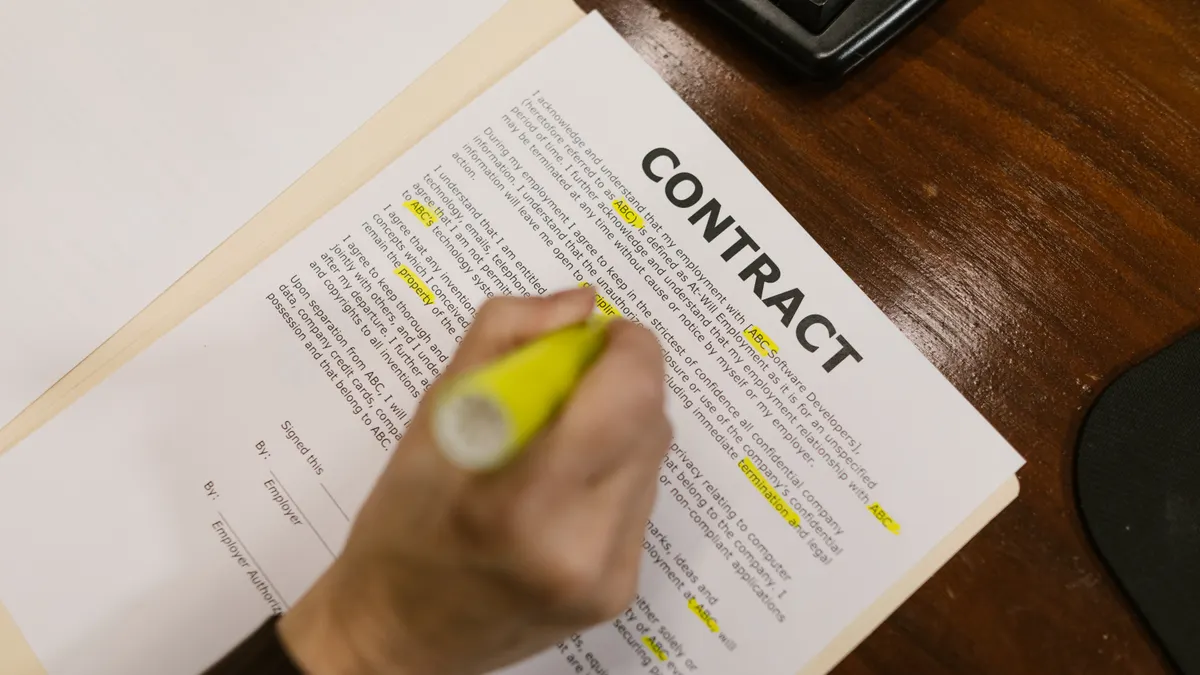
If you need the tool to grow with your SEO work, then upgrade rights matter more than the discount. The common mistake is assuming a lifetime deal includes all future tiers. It usually does not. Most deals lock you into a specific plan, seat count, crawl quota, or domain limit.
The first thing I look for is whether the deal includes automatic upgrades inside the same plan or only access to future features within the existing cap. Those are not the same. If the product later introduces a 100-project plan, a white-label layer, or agency reporting, you may be excluded unless the terms say otherwise.
Ask these questions:
- Does “lifetime” mean lifetime access to the current plan only?
- Are higher limits available through one-time top-ups, annual upgrades, or recurring subscriptions?
- Are new modules included if they are released after purchase?
- Does the seller reserve the right to rename tiers and move buyers into a weaker bucket?
If you are buying for a solo SEO workflow, a fixed limit may be fine. If you are buying for client work, fixed limits can become expensive fast. Ten sites, 50,000 crawl credits, or 3 team seats can sound generous until client count doubles. When the budget is tight, compare those caps with current market pricing on tools like Ahrefs, Semrush, or Screaming Frog before you commit; their pricing pages are the quickest reality check.
Here is the logic I would use:
- If the deal has hard caps and no upgrade path, then buy only if your workload is stable for the next 12 months.
- If the deal offers paid upgrades to a higher lifetime tier, then compare the total cost against a monthly competitor such as Ahrefs, Semrush, or Screaming Frog over 2–3 years.
- If upgrades are promised only in marketing copy, then ask for the exact clause before payment.
- If the product roadmap depends on future AI or reporting features, then assume those will be monetized separately unless the terms clearly say otherwise.
One honest limitation: a lifetime deal is often best for a narrow use case. It is not always the best fit for buyers who want feature growth without extra payment.
Quick check: if your SEO operation may outgrow the current limit within a year, you need written upgrade rights, not optimism.
How do I compare a deal that says “lifetime” with the fine print?
If the deal says “lifetime” but the fine print names a tier, a quota, or a usage cap, then the fine print wins in practice. The headline sells the dream; the contract sets the boundary. That boundary is usually where buyers lose money.
I would compare three layers:
- The marketing claim.
- The order page or checkout summary.
- The formal terms or FAQ.
If all three say the same thing, the risk drops. If they conflict, the narrowest wording usually controls, though you should confirm the wording with the seller or a qualified professional when the money or risk is meaningful.
Look for these common traps:
- “Lifetime access” to the software, but not to future premium modules.
- “Unlimited projects” with fair-use language hidden elsewhere.
- “All future updates” that exclude major versions.
- “Agency use” that still limits seats or client workspaces.
- “One-time payment” that does not include hosting, AI credits, or third-party data costs.
This is where a table helps:
| Situation | Best Path | Why Other Options Fail |
|---|---|---|
| Marketing says lifetime, terms say current plan only | Trust the terms, not the banner | Banner copy is not the contract |
| Checkout mentions a specific limit | Assume that limit is binding | Buyers often overlook the last screen before payment |
| FAQ promises future upgrades, terms stay silent | Ask support to confirm in writing | FAQ text is easy to edit later |
| Terms mention “fair use” without numbers | Treat usage as uncertain and price it conservatively | “Fair use” can shrink without notice |
A good standard to keep in mind is plain-language contract reading: if a normal customer could misunderstand the promise, I would not pay premium money without clarification.
Quick check: if the word “lifetime” appears only in the headline and not in the terms, you do not yet know what you are buying.
If the seller offers no clear refund, should you walk away?
If there is no clear refund policy, then I would usually walk away unless the purchase is small enough to treat as a test fee. No refund language is not always a deal-breaker, but it shifts all the risk onto you. For an SEO tool, that risk is bigger than it looks because integration, data quality, and deliverability often only reveal themselves after setup.
There are three cases where I might still consider it:
- The price is low enough that the loss would not matter.
- The seller has a public, specific terms page and a credible support route.
- The product solves a narrow, immediate problem that I can validate quickly.
If you decide to proceed, use a tight validation sequence:
- Check the terms page for refund exceptions, exclusions, or chargeback warnings.
- Search the product’s changelog, help docs, and status page for recent stability signals.
- Ask support one direct question: “What happens if the tool does not fit my workflow within 7 days?”
- Pay with a method that has dispute protection, if available under your card issuer’s rules.
- Activate only the minimum needed to test core features, then decide fast.
- Document what worked, what failed, and what was promised in writing.
For finance-sensitive buyers, I would also read the card issuer’s dispute and chargeback guidance. That is not a substitute for a refund policy, but it matters if the seller disappears.
Who this is not for: anyone buying a mission-critical agency stack should not rely on goodwill when the product has no refund clarity.
Quick check: if losing the purchase would annoy you more than the product would help you, skip it.
Edge cases where the normal advice breaks down
If one of these scenarios is true, then the usual “read the terms and decide” advice is not enough. Each situation changes the risk.
-
The deal is sold through a marketplace with its own policy
- What changes: the marketplace may have a refund process that is different from the seller’s.
- What to do instead: read both policies and note which one controls disputes, timing, and coverage.
-
The product depends on external APIs or third-party data
- What changes: the seller may keep the app alive while features degrade because the data source gets pricier or restricted.
- What to do instead: check whether access to Google Search Console, SERP data, or keyword data has separate limits or fees.
-
The deal includes “lifetime” only for a single version
- What changes: version 1 may stay alive, while version 2 becomes a new paid product.
- What to do instead: ask whether major version jumps are included or excluded, and get the answer in writing.
-
The tool is in beta or early access
- What changes: refund policy may be looser, but stability is worse.
- What to do instead: only buy if the team shows a changelog, support channel, and a realistic roadmap date, such as a Q3 or Q4 launch target.
-
The seller offers credits instead of cash refunds
- What changes: your exit becomes another purchase inside the same ecosystem.
- What to do instead: decide whether credits are useful to you; if not, treat the deal as non-refundable.
-
You are buying for client work, not your own site
- What changes: seat counts, white-label rights, and data export matter more than headline features.
- What to do instead: verify whether buyer-facing use is permitted and whether exports, team access, or branding limits exist.
A simple rule holds across all six: when the product, the seller, or the platform adds another layer, your job is to find which layer controls the risk. If you cannot tell, do not assume the friendliest one does.
Quick check: if your case involves beta status, third-party data, or a marketplace, the standard read is too shallow.
A practical decision path before you click buy
If you are still considering the deal, then use a 10-minute preflight instead of a gut feel. That is the difference between a smart bargain and a stack of regrettable subscriptions. I would use this order every time:
- Read the headline offer and write down the exact plan name.
- Open the refund terms and note the deadline, exclusions, and claim method.
- Find the upgrade language and identify what is included, excluded, and future-facing.
- Check whether limits are tied to projects, domains, users, crawl credits, or exports.
- Compare the deal with one monthly competitor for 24 months, not one month.
- Ask support one written question if any wording is unclear.
- Save screenshots of the offer, checkout, and terms before payment.
If the answer is still fuzzy after that, I would pass. There will always be another tool, another sale, or another promotion. The mistake is paying first and reading later.
The best lifetime deal is the one that stays useful after the excitement fades. That means a refund path you can actually use, an upgrade path you can actually understand, and limits that match your workload for more than a week.
“`
Drafted with AI; not yet reviewed by a person.